













Servers are the workhorses of the modern digital world. They store critical data, run essential applications, host websites, and power the services we rely on every day. But with great power comes great responsibility – specifically, the responsibility of server security. An unsecured server is like leaving your front door wide open, inviting potential threats that can lead to data breaches, service disruptions, and significant financial or reputational damage.
For developers, DevOps engineers, and Site Reliability Engineers (SREs), understanding and implementing robust server protection is not just an IT task; it’s fundamental to building reliable, trustworthy, and resilient systems. Whether you’re managing a single web server or a complex distributed infrastructure, knowing how to secure a server is paramount. This guide will walk you through what server security entails, why it’s critically important, and the essential server security best practices you need to implement.
What is Server Security?
Server security refers to the collection of strategies, tools, and policies designed to protect computer servers from unauthorized access, data breaches, corruption, denial-of-service attacks, and other malicious activities. It encompasses multiple layers of protection aimed at safeguarding the server’s operating system, applications, data, and network connections.
The core goals of server security align with the fundamental principles of information security, often known as the CIA triad:
Confidentiality: Ensuring that data is accessed only by authorized individuals. Preventing sensitive information from falling into the wrong hands.
Integrity: Maintaining the accuracy and consistency of data over its entire lifecycle. Preventing unauthorized modification or deletion of data.
Availability: Ensuring that servers and the services they provide are operational and accessible to authorized users when needed. Preventing downtime and service disruptions.
Achieving these goals involves addressing various aspects, including:
Physical Security: Protecting the hardware itself from theft or damage.
Network Security: Securing the connections to and from the server (e.g., using firewalls, VPNs).
Operating System (OS) Security: Hardening the OS, applying patches, and configuring secure settings.
Application Security: Ensuring applications running on the server are secure and free from vulnerabilities.
Data Security: Protecting data both at rest (stored on the server) and in transit (moving across networks), often using encryption.
Access Control: Implementing strict controls over who can access the server and what actions they can perform.
Monitoring and Logging: Continuously tracking server activity to detect and respond to potential threats.
Essentially, security for servers is about building a multi-layered defense to protect these vital assets.
Why is Server Security So Important?
Neglecting server security can have severe consequences that ripple throughout an organization and impact its customers. Here’s why prioritizing secure servers is non-negotiable:
Protecting Sensitive Data: Servers often store confidential customer information, financial records, intellectual property, and other critical data. A breach can lead to devastating data loss or exposure, violating privacy and trust.
Maintaining Business Continuity: Security incidents like DDoS attacks or malware infections can cause server downtime, disrupting operations, halting services, and leading to significant revenue loss.
Preserving Reputation and Trust: A security breach severely damages a company’s reputation. Customers lose trust if they believe their data isn’t safe, potentially leading them to competitors.
Ensuring Regulatory Compliance: Many industries (like finance and healthcare) have strict regulations (e.g., GDPR, HIPAA, PCI DSS) regarding data protection. Failure to secure servers properly can result in hefty fines and legal action.
Preventing Unauthorized Access: Malicious actors constantly seek vulnerabilities to gain access for various nefarious purposes, including data theft, installing malware, launching further attacks, or disrupting services. Server protection acts as the primary defense.
Mitigating Financial Losses: The costs associated with a server breach include investigation and recovery expenses, legal fees, regulatory fines, customer compensation, and lost business – often totaling millions.
Safeguarding Intellectual Property: For many businesses, their competitive edge lies in proprietary information, trade secrets, or code stored on servers. Security ensures these valuable assets are protected.
Supporting Trustworthy Transactions: Secure web servers are essential for e-commerce, online banking, and any application involving sensitive transactions, creating a safe environment for users.
Investing in server security is investing in the stability, reliability, and trustworthiness of your entire operation.
Common Server Security Threats and Vulnerabilities
Understanding the enemy is the first step towards effective defense. Servers face a variety of threats and can suffer from numerous vulnerabilities:
Common Threats
Denial-of-Service (DoS) / Distributed Denial-of-Service (DDoS) Attacks: Overwhelming a server with traffic to make it unavailable to legitimate users.
Malware: Viruses, worms, ransomware, trojans, and spyware designed to infiltrate systems, steal data, disrupt operations, or grant attackers control.
Code Injection (e.g., SQL Injection, Remote Code Execution - RCE): Exploiting flaws in applications (especially web applications) to inject and execute malicious code or database commands.
Cross-Site Scripting (XSS): Injecting malicious scripts into websites, which are then executed in the browsers of unsuspecting users to steal session cookies or credentials.
Brute-Force Attacks: Systematically trying numerous passwords or passphrases to guess login credentials.
Phishing and Social Engineering: Tricking users (including administrators) into revealing credentials or installing malware.
Common Vulnerabilities:
Weak or Default Passwords: Easily guessable passwords are a primary entry point for attackers.
Outdated Software: Unpatched operating systems, applications, or libraries contain known vulnerabilities that attackers actively exploit.
Misconfigured Firewalls: Incorrectly configured firewall rules can leave ports open or fail to block malicious traffic.
Unnecessary Open Ports and Services: Running services that aren’t needed increases the server’s “attack surface.”
Lack of Encryption: Transmitting or storing sensitive data without encryption makes it vulnerable to interception or theft.
Poor Access Controls: Insufficiently defined user roles and permissions can grant excessive privileges, allowing unauthorized actions.
Lack of Monitoring and Logging: Failing to monitor server activity makes it difficult to detect breaches or suspicious behavior in time.
Insecure File Permissions: Improper file system permissions can allow users or processes to access or modify sensitive files.
Identifying and mitigating these vulnerabilities is crucial for building secured servers.
Server Hardening Explained
Server hardening is the process of enhancing a server’s security by reducing its attack surface and eliminating potential vulnerabilities. It involves configuring the operating system, software, network settings, and access controls according to security best practices to make the server more resilient against attacks.
Think of it as reinforcing the server’s defenses. Key steps often include:
Disabling unnecessary services, ports, and user accounts.
Applying the latest security patches and updates promptly.
Implementing strong password policies and authentication mechanisms.
Configuring firewalls and intrusion detection/prevention systems.
Securing file system permissions.
Enabling security-enhancing configurations within the OS and applications.
Regularly auditing the configuration for compliance with security standards.
Server hardening is a proactive, foundational measure in any comprehensive server security strategy.
Essential Server Security Best Practices
Securing a server involves a continuous process of implementing and refining various controls. Here are some essential web server security best practices and general server security tips:
Secure Access and Authentication
Controlling who can access your server and how is fundamental.
Use Strong Passwords and Passphrases: Enforce complexity requirements (length, character types), avoid dictionary words or personal information, and consider using longer passphrases. Use password managers. Never use default passwords.
Implement SSH Key Authentication: Replace password-based SSH logins with more secure SSH key pairs. Protect your private key diligently.
Secure Remote Connections (SSH): Always use SSH for remote administration. Consider changing the default SSH port (22) to a non-standard one to reduce automated scans. Disable older, insecure protocols like Telnet.
Limit Root/Superuser Access: Disable direct SSH login for the root user (PermitRootLogin no in sshd_config). Use standard user accounts and grant administrative privileges via sudo as needed.
Manage User Access Carefully: Implement the principle of least privilege. Grant users only the permissions necessary for their roles. Regularly review and revoke unnecessary access.
Monitor Login Attempts: Use tools like fail2ban to monitor failed login attempts and automatically block suspicious IP addresses engaging in brute-force attacks.
Enable Two-Factor Authentication (2FA): Add an extra layer of security beyond passwords, requiring a second form of verification (e.g., code from an app, hardware token).
Network Security
Protecting the network perimeter and data in transit is critical.
Implement Strong Firewall Policies: Configure firewalls (like iptables, ufw on Linux, or Windows Defender Firewall) to allow only necessary traffic on specific ports (e.g., 80/443 for web servers). Block everything else by default. Regularly review rules.
Use Private Networks and VPNs: Isolate servers handling sensitive internal communication within private networks. Use Virtual Private Networks (VPNs) for secure remote access, especially for administrative tasks.
Secure File Transfers: Use secure protocols like SFTP (SSH File Transfer Protocol) or FTPS (FTP Secure) instead of plain FTP for transferring files. Encrypt sensitive files before transfer for added security.
Implement SSL/TLS Certificates: Secure web traffic (HTTP) using SSL/TLS certificates (HTTPS). This encrypts data exchanged between the server and users’ browsers and helps verify the server’s identity. Obtain certificates from trusted Certificate Authorities (CAs).
System Configuration and Maintenance
Keeping the server’s software and configuration secure is an ongoing task.
Keep Software Updated Regularly: Apply security patches and updates for the operating system, control panels, applications, and libraries promptly. Automate updates where feasible, but test in staging environments first.
Remove Unnecessary Services and Ports: Audit running services and open ports (netstat -tulnp or ss -tulnp on Linux). Disable or uninstall anything not strictly required to minimize the attack surface. Start with a minimal OS installation if possible.
Apply Server Hardening Principles: Follow OS-specific hardening guides (e.g., CIS Benchmarks) to configure secure settings for kernels, file systems, and system services.
Hide Server Information: Configure web servers (like Apache or Nginx) to minimize revealing specific version numbers or software details in HTTP headers or error pages, which could aid attackers.
Data Protection and Recovery
Safeguarding data and ensuring you can recover from incidents is vital.
Encrypt Sensitive Data: Encrypt sensitive data both at rest (stored on disk) and in transit (moving across networks) using strong encryption algorithms.
Implement Regular Backups: Perform frequent, automated backups of critical data and server configurations. Follow the 3-2-1 rule (3 copies, 2 different media, 1 offsite). Store backups securely (ideally encrypted) and test the restoration process regularly.
Monitoring and Auditing
You can’t protect what you can’t see. Continuous monitoring is key.
Monitor Server Logs: Centralize and regularly review system, application, and security logs for unusual activity, errors, or signs of compromise. Use log management tools.
Use Intrusion Detection/Prevention Systems (IDS/IPS): Implement Host-based IDS (HIDS) like Wazuh or OSSEC, or Network-based IDS (NIDS) like Snort or Suricata to monitor for and alert on (or block) suspicious activities and known attack patterns.
Audit Files and Services: Use file integrity monitoring tools (like Tripwire or AIDE) to detect unauthorized changes to critical system files. Regularly audit running services and configurations.
Run Comprehensive Security Audits: Periodically conduct thorough security audits (potentially using third-party experts) to assess the effectiveness of your security controls and identify weaknesses.
Environment and People
Security extends beyond the server itself.
Consider Multi-Server Environments or Virtual Isolation: Separate services onto different servers (e.g., web server vs. database server) or use virtualization (VMs) or containerization (Docker) to isolate applications and contain potential breaches.
Prioritize Employee Training and Awareness: The human element is often the weakest link. Train all users, especially administrators, on security best practices, recognizing phishing attempts, password hygiene, and incident reporting procedures.
Server security is not a one-time task but a continuous process of vigilance, maintenance, and adaptation. It requires a layered approach, addressing everything from physical access and network configuration to software updates, user management, and data protection. For anyone involved in developing, deploying, or managing server infrastructure, understanding and implementing these server security best practices is essential for protecting data, maintaining service availability, and preserving trust.
While the task might seem daunting, starting with the fundamentals – strong authentication, regular updates, robust firewall rules, and diligent monitoring – provides a solid foundation. Continuously learning about emerging threats and refining your security posture is key to staying ahead.
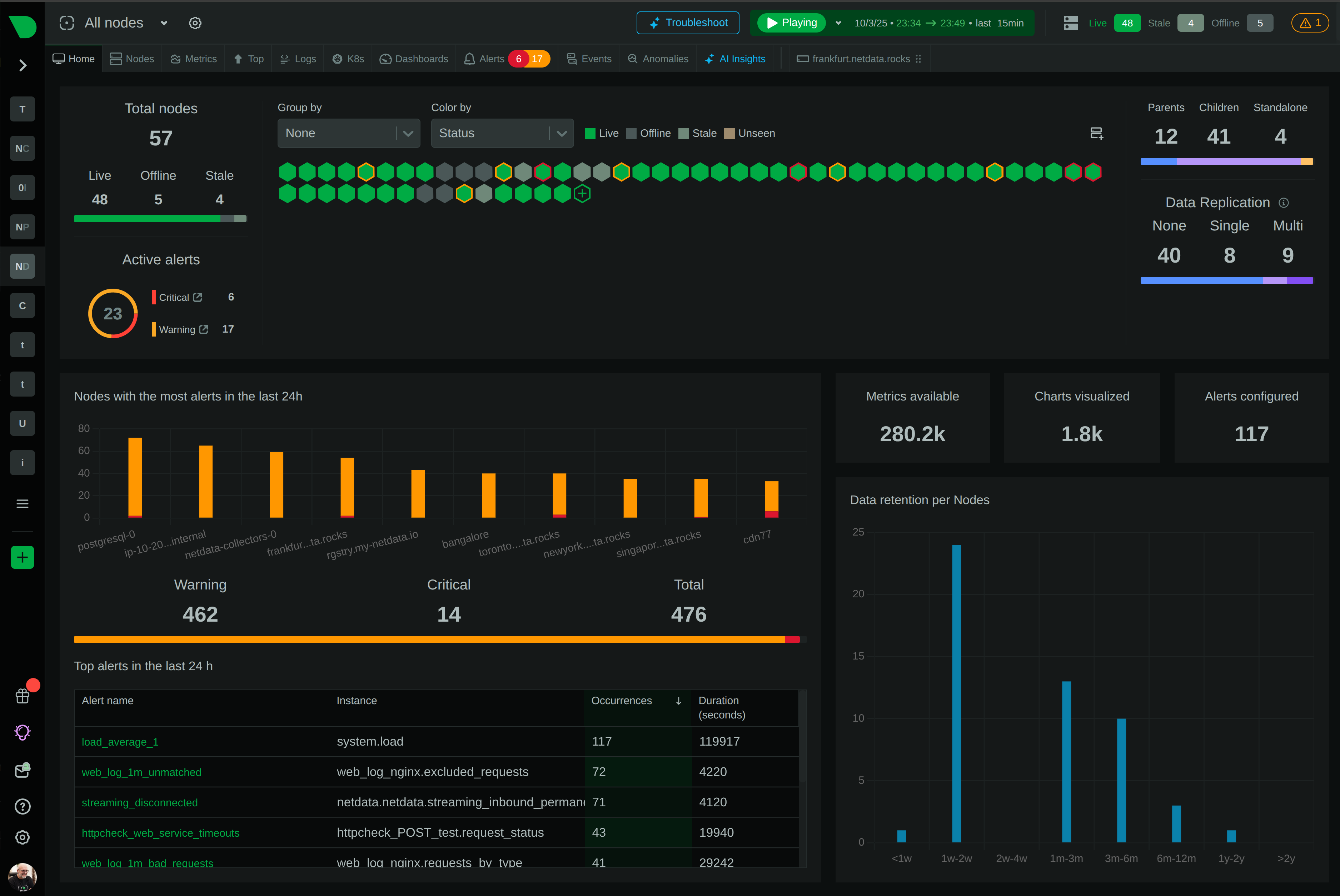
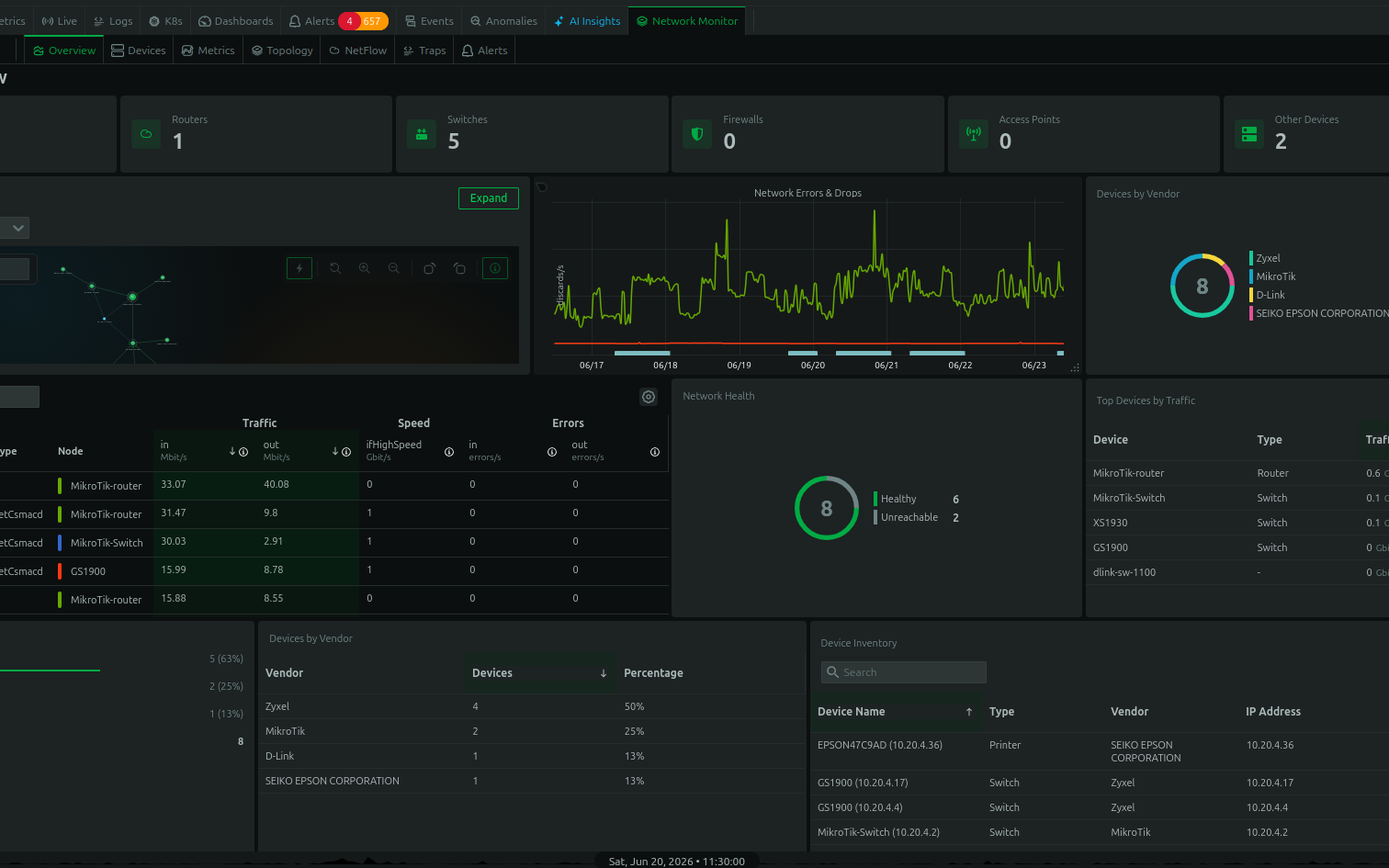
Effective monitoring is crucial for identifying potential security issues before they escalate. Tools that provide real-time visibility into system performance, network traffic, and log data can significantly enhance your security capabilities. Consider exploring comprehensive monitoring solutions to gain deeper insights into your server’s health and security.
Ready to enhance your server visibility and security posture? Explore Netdata for real-time, high-granularity monitoring.