













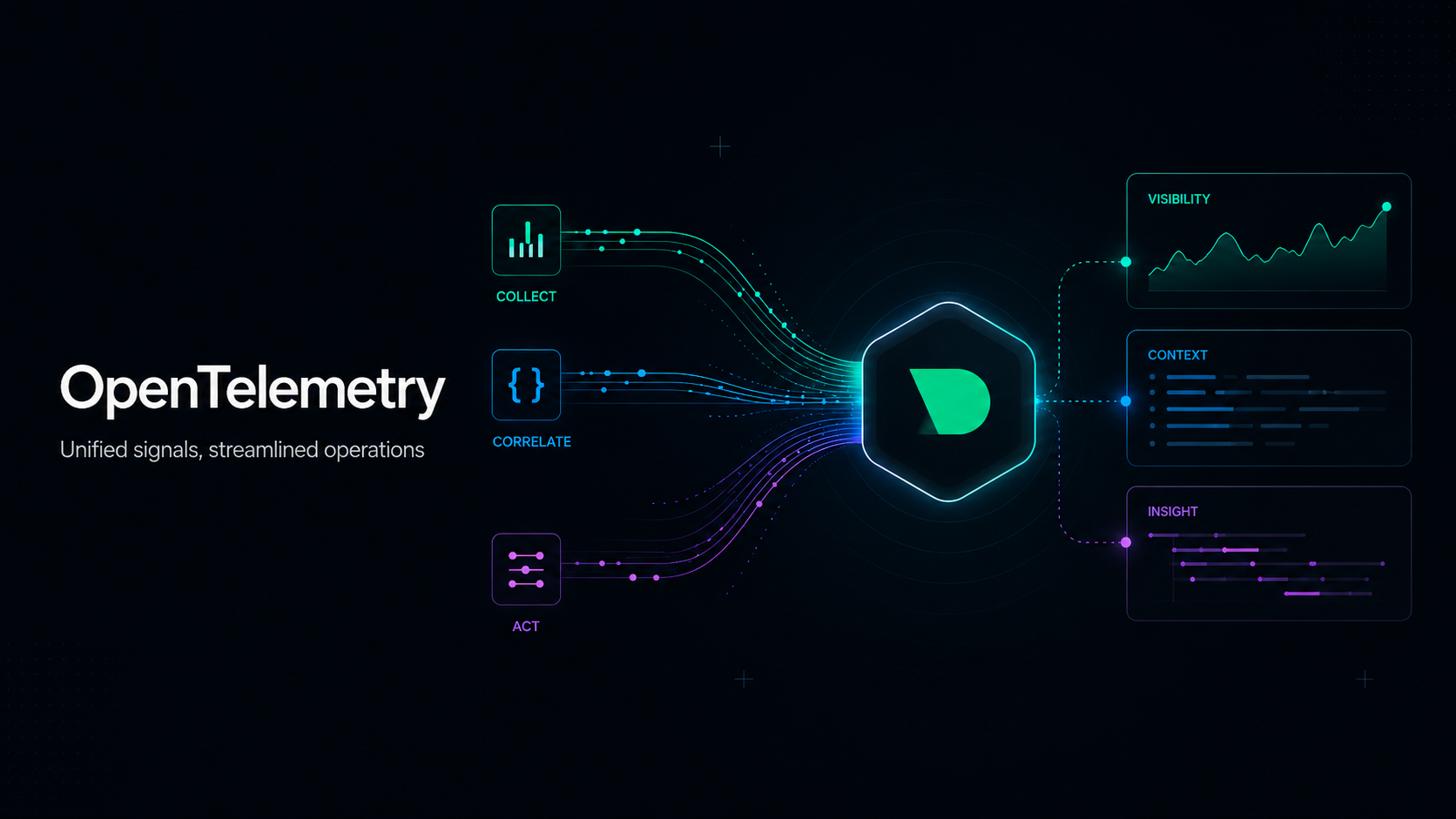

OpenTelemetry has become the default way to instrument applications and ship telemetry. The hard part has never been the data model. It’s been picking a backend that handles OTLP without quietly turning into a per-metric bill or a black box that swallows your data.
Netdata is a native OTLP backend. Stand up an OpenTelemetry Collector with any of its hundreds of receivers, point its OTLP exporter at Netdata, and you get per-second charts, ML anomaly detection on every signal, AI-assisted troubleshooting, and infrastructure correlation, with no per-metric, per-series, or per-host charges. Metrics and logs work today. Trace support is coming soon.
This post walks through the Collector-centric pattern most OTel teams will recognize: standard receivers feeding the standard Collector, OTLP exporter to Netdata, advanced pipeline tricks via connectors and OTTL, and what Netdata does once the data arrives.
The Collector is the data plane. Netdata is the backend.
The OpenTelemetry Collector is the recommended way to receive, process, and export telemetry. It speaks every receiver protocol the ecosystem has built (host metrics, Prometheus scraping, Redis, NGINX, PostgreSQL, Kafka, cloud SDKs, and several hundred more), and it can fan out to multiple exporters at once.
Netdata sits at the end of an OTLP pipeline. Anything that emits OTLP/gRPC can send to it: the Collector Contrib distribution, application SDKs in seven languages, or third-party tools. In practice, most teams adopting OpenTelemetry already run the Collector, so the most common pattern looks like this:
[ Hosts, services, applications ]
            │
            ▼
   [ OpenTelemetry Collector ]
   receivers → processors → exporters
            │
            ▼ OTLP
   [ Netdata Agent / Parent ]
   automatic charts, ML, alerts
The Collector handles ingestion variety. Netdata handles storage, analysis, alerting, and visualization. Because both speak OTLP, there’s nothing proprietary to commit to on either side.
Install the OpenTelemetry Collector Contrib distribution however you normally would, Linux DEB/RPM, Docker, Windows, or Kubernetes via the Operator. The Contrib distribution is what you want, because it includes the receivers covered below.
A canonical first pipeline
The Host Metrics receiver is the simplest end-to-end test. It scrapes CPU, memory, disk, network, filesystem, load, paging, and process metrics from the OS, no instrumentation required.
receivers:
  hostmetrics:
    collection_interval: 10s
    scrapers: { cpu:, memory:, disk:, filesystem:, network:, load: }

exporters:
  otlp:
    endpoint: "localhost:4317"
    tls: { insecure: true }

service:
  pipelines:
    metrics:
      receivers: [hostmetrics]
      exporters: [otlp]
Run this Collector pointing at a Netdata agent and you’ll see system.cpu.time, system.memory.usage, system.disk.io, system.network.io, and the rest as charts in the Netdata UI under the OpenTelemetry source.
From here, the pattern stays the same regardless of source. Adding the Prometheus receiver brings any existing Prometheus-format endpoint into the OTel pipeline (counters become per-second rates, gauges become instantaneous values) without running a separate Prometheus server. Adding Redis, NGINX, or PostgreSQL receivers brings service-level metrics in the same way: connections, memory, command throughput, request rates, query rates, table statistics. Receivers compose in a single pipeline and operate independently, so a failure in one doesn’t stop the others. We’ve collected ready-to-use configurations for these and other common patterns in netdata/otelcol-cookbook.
Beyond receivers: connectors and OTTL
Two Collector features deserve more attention than they usually get.
Logs to metrics with the count connector. Searching logs after an incident is reactive. Counting log entries by severity or content and emitting them as metrics turns them into alertable signals in real time. A typical pattern: a journald receiver feeds both an OTLP exporter (so the raw logs reach Netdata) and a count connector that emits a metric per matching condition. The metrics pipeline then ships those counts to Netdata as standard OTLP metrics. The matching is expressed in OTTL:
conditions:
  - 'IsMatch(body["MESSAGE"], "(?i)out of memory|OOM")'
  - 'body["SYSLOG_IDENTIFIER"] == "sshd" and Int(body["PRIORITY"]) <= 3'
The resulting metric is a Netdata chart with anomaly detection automatically applied, which is a useful pattern for catching log signals that don’t normally cross threshold but become statistically unusual.
Parsing unstructured logs with the transform processor. OTTL also turns JSON log lines into structured attributes. merge_maps(attributes, ParseJSON(body), "insert") takes {"level":"error","msg":"connection refused"} and exposes level and msg as queryable attributes. You can also rewrite severity from parsed fields, attach static environment tags, or drop noisy entries. Full transformation reference lives in the OTTL functions documentation.
These are standard Collector patterns, but they get noticeably more useful when the destination treats every emitted metric as a first-class chart with anomaly detection on it automatically.
What Netdata does with what arrives
Once OTLP data lands, Netdata applies the same treatment it gives to data from its 800+ native collectors:
Automatic chart creation. No pre-declaration. The first data point for a unique combination of resource attributes, instrumentation scope, metric metadata, and data point attributes triggers a chart. Metrics that haven’t been seen for a while expire automatically, which keeps things tidy when transient services come and go.
Aggregation matched to the OTel data model. Three behaviors map to OpenTelemetry’s metric kinds. Gauges keep the latest value within an interval. Delta sums add values inside the interval and return 0 during gaps. Cumulative sums compute deltas automatically, detect counter restarts via start_time_unix_nano changes, and handle re-baselining. You don’t configure this; it follows the OTLP temporality on each metric.
Histograms decompose into four charts. A bucket heatmap visualizes distribution, a sum chart tracks total observed values, a count chart shows observation frequency, and (when source data includes it) a min/max chart shows extremes. Both delta and cumulative temporalities are handled. Summaries follow the same pattern with quantile charts when the source provides them.
ML anomaly detection on every metric. Unsupervised models train continuously, so OTLP-ingested application metrics (often the hardest to set thresholds on manually) get the same automatic anomaly flagging as system metrics.
Alerting and AI troubleshooting. Write Netdata alerts against OTLP metrics using the same syntax as any other alert. When an alert fires, Netdata AI correlates the metric in question with infrastructure metrics, application metrics, and logs to surface probable causes. Text-to-Alert (natural-language alert authoring) works on OTLP contexts too.
Cardinality protection. A per-request chart-creation cap blunts the impact of high-cardinality labels like request IDs or trace IDs.
Logs through the same endpoint
Application logs ride the same OTLP/gRPC endpoint as metrics. They surface in the Netdata Logs tab alongside system logs, queryable through the same filtering interface. Retention is configurable on file size, entry count, time span, file count, total size, and age. For debugging or downstream reprocessing, the plugin can optionally store the original OTLP JSON alongside each entry.
Run side-by-side with an existing backend
The Collector exports to multiple destinations from one pipeline. During evaluation, send the same data to Netdata and your incumbent backend in parallel. Compare the experience, the latency on real-time queries, and the bill. Migrate when the numbers justify it. This is how most production migrations actually happen, and it’s worth doing before committing to a backend either way.
What’s coming: traces
Trace ingestion is the next major capability on the OTLP backend, and the most-asked-about. End-to-end request visualization, trace-to-metric correlation, and unified analysis across metrics, logs, and traces are in active design. Once it ships, you’ll be able to follow a slow API call from the OTel trace through the database query metrics causing it down to the disk I/O on the underlying node, in one workflow. Design partner discussions are open if your team is standardizing on OpenTelemetry traces in production and wants input on how the experience comes together.
Skills for AI coding agents
If you want your AI coding agent to handle the Collector setup, netdata/skills is an open-source skill pack for Claude Code, Cursor, Copilot, and other tools. It covers Collector pipeline construction, application instrumentation across seven languages, and Netdata-side configuration. Combined with Netdata’s MCP server, an agent can configure the pipeline and then verify via live queries that metrics actually arrived, in one workflow.
Getting started
If you’re already running Netdata, OTLP ingestion is included in the standard distribution. Install the OpenTelemetry Collector Contrib distribution, point its OTLP exporter at Netdata, and data starts flowing. The full configuration reference lives in the OpenTelemetry plugin documentation, and the otelcol-cookbook has working pipeline configurations for the common patterns.
If you’re evaluating OTLP backends, the things worth comparing against incumbents: per-second granularity (most backends aggregate to 15s/30s/60s), pricing model (flat-rate vs per-metric), ML anomaly detection coverage, infrastructure correlation, and where the data physically lives (edge vs vendor cloud).